Class Schedule Maker

Type your classes with days and times and get a color coded weekly timetable.

By Ian Miller · Founder, blogger and affiliate marketer · Last updated November 2026 · Our story

Write the days, the time and the class: Mon Wed 9:00-10:15 Biology 101, Room 204. Days: Mon Tue Wed Thu Fri Sat Sun. Times can be 9, 9:30, 2pm or 14:00.

A name or a term. Leave empty to hide it.

Style

Try a sample photo Click one and the tool uses it in your pin

More things you can do with your pin

Changes the shape of the picture above before you download it.

Makes five copies of your pin in different colors. Each one has its own download button, and you can also download all five in one ZIP.

Changes the colors of the pin above at random. Press it again for another look.

Saves the picture above as a PNG.

The tool remembers what you typed on this device. This clears it and starts again.

How to use the Class Schedule Maker

  1. 1

    Type your classes

    Write one class per line: the days, the start and end time, then the name. Add the room after a comma. Days can be Mon, Tue, Wed, Thu, Fri, Sat and Sun.

  2. 2

    Check the grid

    The preview updates as you type. If a line cannot be read, the maker tells you which one. The grid covers the hours and days you use.

  3. 3

    Pick a shape and download

    Choose a tall pin, a landscape page or a phone wallpaper, the 12 or 24 hour clock and a color style. Click Download PNG.

At the start of a term the timetable lives in a portal that takes four taps to open. A picture of the week, with every class in its own color, is quicker: set it as a lock screen, print it for a binder or share it with a study group.

Type one class per line with its days, its times and its name, for example "Mon Wed 9:00-10:15 Biology 101, Room 204". The maker draws a weekly grid, sizes each block to its length and gives every class a color. Choose a tall pin, a landscape page for printing or a phone wallpaper. Nothing is uploaded.

How times are read

You can write times as 9, 9:30, 2pm or 14:00. When there is no am or pm, a class starting between 1 and 7 is read as afternoon, so "1-2:30" means 1 pm to 2:30 pm. Write "7am" for an early class.

A class on several days needs only one line: "Tue Thu 10:00-11:30 Statistics". The same class always gets the same color, so you can see a subject across the week.

Ways to use the timetable

The phone wallpaper shape, 1080 x 1920 pixels, makes a lock screen you can read without unlocking. The landscape page, 1650 x 1275 pixels, prints on letter paper. The tall pin is for sharing a schedule template or a study routine on Pinterest.

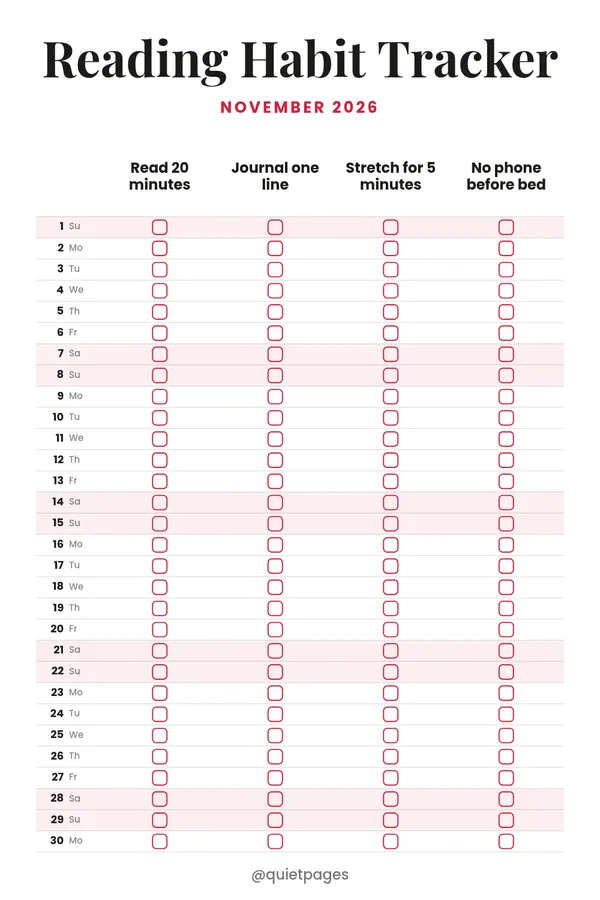
The same grid works for a work rota, gym classes, a kids activity week or a study plan. For a month view use the calendar pin maker, and for daily habits the habit tracker maker.
Rate the Class Schedule Maker

Be the first to rate this tool.

Your rating

Ratings are counted straight away. Comments appear after a quick check. Please leave web addresses out.

What people say

    No comments yet.

    Class Schedule Maker FAQ

    How do I enter a class that meets on several days?

    List the days at the start of the line, like "Mon Wed Fri 11:00-11:50 English". The class is drawn on each of those days.

    Can I include Saturday and Sunday?

    Yes. Add a class with Sat or Sun and the grid grows to include the weekend. Otherwise it shows Monday to Friday.

    Can I print the schedule?

    Yes. Choose the landscape page, which is 1650 x 1275 pixels and fits letter paper, then print the downloaded image.

    Does it save my schedule?

    What you type is kept in this browser on this device, so it is there when you come back. It is not sent to a server.

    Is the class schedule maker free?

    Yes. It is free, with no account and no watermark.

    More free tools

    See all 146 tools

    Browse all free Pinterest tools, including more planners. Need a full pin design? Use the free pin maker.