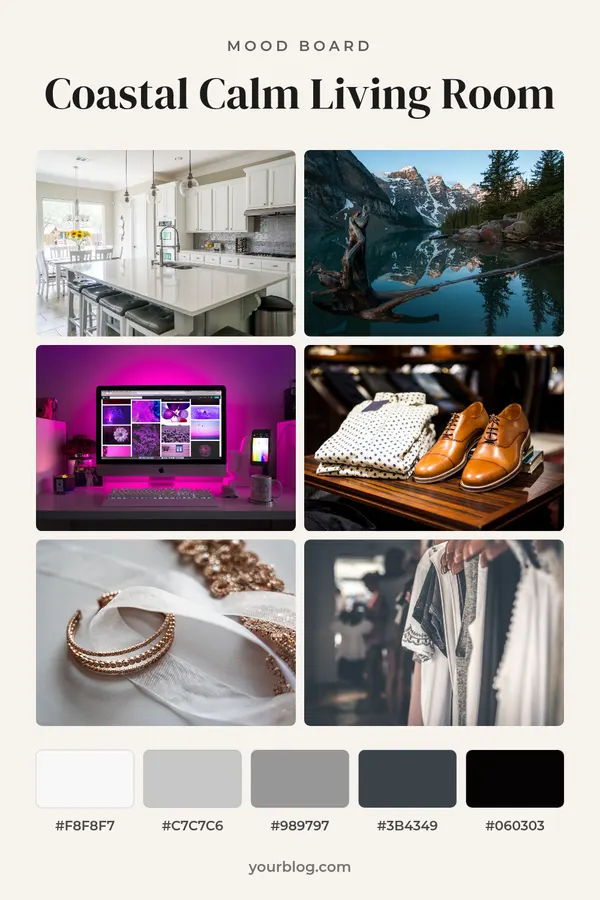
Instagram Story Collage Maker

Arrange 2 to 6 photos in one story, post or pin, with borders and a caption.

By Ian Miller · Founder, blogger and affiliate marketer · Last updated November 2026 · Our story

    Sits in a band at the bottom. Leave empty for photos only.

    Border color

    Try a sample photo Click one and the tool uses it in your pin

    More things you can do with your pin

    Changes the shape of the picture above before you download it.

    Makes five copies of your pin in different colors. Each one has its own download button, and you can also download all five in one ZIP.

    Changes the colors of the pin above at random. Press it again for another look.

    Saves the picture above as a PNG.

    The tool remembers what you typed on this device. This clears it and starts again.

    How to use the Instagram Story Collage Maker

    1. 1

      Add your photos

      Drop or choose 2 to 6 photos. They fill the grid in the order you add them and are cropped to their cells.

    2. 2

      Set the shape and borders

      Pick story, feed post, square or pin, then the border width, corners and border color.

    3. 3

      Add a caption and download

      Type a caption for the band at the bottom, or leave it empty. Click Download PNG and post it.

    One story with four photos tells more than four stories people tap past. A collage puts a day, a trip, an outfit or a product range on a single screen, and it is the format for recaps, birthday posts and before and after sets.

    Add 2 to 6 photos and they are arranged in a grid that suits the count. Choose the border width and color, square or rounded corners, and an optional caption. The story size keeps photos away from the very top and bottom, where the app draws its own controls. You can also make a 4:5 feed post, a square or a 2:3 pin from the same photos.

    Getting a clean story collage

    Use photos with the subject near the middle, since each one is cropped to its cell. Mix one wide shot with closer ones so the grid has a clear main picture. Three or four photos usually read best on a phone.

    Instagram stories use a 9:16 shape, and the app covers part of the top and bottom with the profile name and the reply bar. Leave the option to keep those areas clear switched on, so no face ends up under a button.

    Other shapes from the same photos

    The 4:5 shape is for feed posts, the square for profile grids and chats, and the 2:3 shape for Pinterest. Change the shape and download again; the photos stay in place.

    For a styled set of outfit photos use the outfit collage maker, for a themed board the mood board maker, and to turn a pin into a story, pin to Instagram story.
    Rate the Instagram Story Collage Maker

    Be the first to rate this tool.

    Your rating

    Ratings are counted straight away. Comments appear after a quick check. Please leave web addresses out.

    What people say

      No comments yet.

      Instagram Story Collage Maker FAQ

      How many photos can I put in one story?

      From 2 to 6. Two are stacked, four make a two by two grid and six make three rows of two.

      What size is an Instagram story collage?

      1080 x 1920 pixels, the 9:16 shape of a phone screen.

      Can I change the border color?

      Yes. Pick one of the border colors, or use the custom color option under More themes.

      Can I make a collage with no border?

      Yes. Set Border to None and the photos touch edge to edge.

      Are my photos uploaded?

      No. The collage is drawn in your browser and the photos stay on your device.

      More free tools

      See all 146 tools

      Browse all free Pinterest tools, including more pin makers. Need a full pin design? Use the free pin maker.