Meme Maker

Put text above, below or on a photo in six meme layouts, with no watermark.

By Ian Miller · Founder, blogger and affiliate marketer · Last updated November 2026 · Our story

    Press Enter for a new line. In the two panel layout this is the left label.

    Used by the classic, white bar below and two panel layouts. Leave empty to hide it.

    Anton gives the classic meme look.

    Fit keeps the whole photo. The others crop it.

    Try a sample photo Click one and the tool uses it in your pin

    More things you can do with your pin

    Changes the shape of the picture above before you download it.

    Makes five copies of your pin in different colors. Each one has its own download button, and you can also download all five in one ZIP.

    Changes the colors of the pin above at random. Press it again for another look.

    Saves the picture above as a PNG.

    The tool remembers what you typed on this device. This clears it and starts again.

    How to use the Meme Maker

    1. 1

      Add your photo

      Drop, paste or choose a photo. Add a second one for the two photo and two panel layouts. Photos show in the order you add them.

    2. 2

      Type the text and pick a layout

      Write the top text and, if the layout uses it, the bottom text. Press Enter for a new line. Choose the font, the text size and left or centered text.

    3. 3

      Choose the shape and download

      Fit keeps the whole photo. Square, 4:5 and 2:3 crop it to a fixed shape for feeds and pins. Click Download PNG to save the meme.

    Most memes shared today are not the old style with thick outlined letters. They are a photo with a white bar on top and a sentence in plain black text, the look that started as screenshots of posts. This maker builds that layout in a few seconds, and five others.

    Add one or two photos, type the text and pick a layout: white bar on top, white bar below, black bar, classic outlined text on the photo, two stacked photos or two side by side panels with a label each. The bar grows with your text, so nothing is cut off. The meme is drawn in your browser, your photos are never uploaded, and there is no watermark.

    The white bar meme format

    The white bar format puts the joke in a caption above the picture, in ordinary sentence case, usually left aligned. It reads like a post, which is why it works for "Me:" and "Nobody:" jokes, reaction photos and relatable captions. Use the Inter or Montserrat font for that look.

    The black bar layout is the same idea with white text on black, often used for definitions and dramatic statements. Keep the text to one or two short sentences. A reader should get it in the time it takes to scroll past.

    Classic, two photo and two panel memes

    The classic layout writes the top and bottom text straight on the photo in capital letters with a black outline. Choose the Anton font for the familiar look. It suits photos with a clear subject and empty space at the top and bottom.

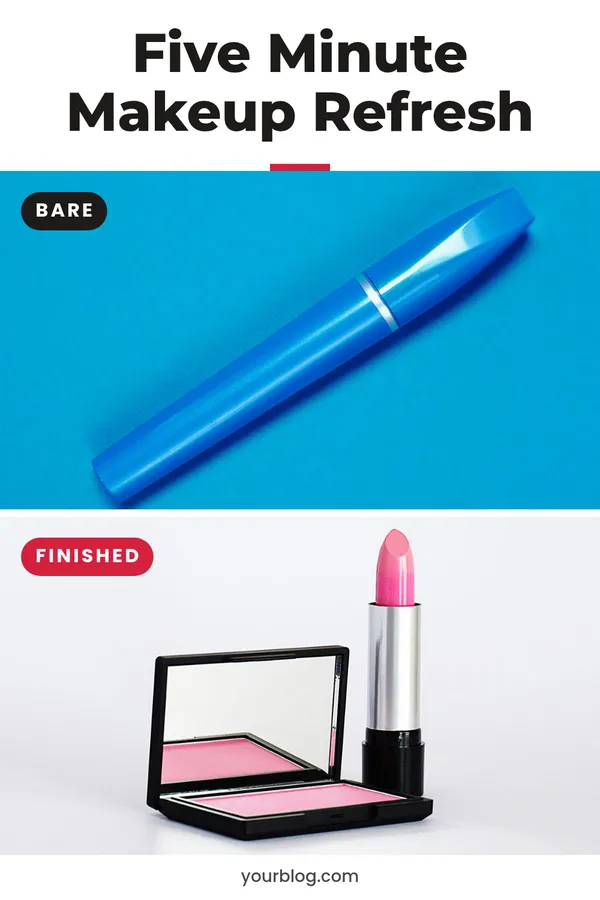
    Two stacked photos work for "expectation and reality" and "before and after" jokes. Two panels side by side, each with its own label, work for comparisons: what I ordered and what arrived, Monday me and Friday me.

    Posting memes on Pinterest and elsewhere

    Square and 4:5 shapes suit Instagram and Facebook feeds. The 2:3 shape matches a standard Pinterest pin, where funny and relatable images are saved to humor boards. Use your own photos or images you have the right to use.

    For a quote on a plain background, try the faceless pin maker. To turn a short clip into a looping reaction, use the video to GIF converter.
    Rate the Meme Maker

    Be the first to rate this tool.

    Your rating

    Ratings are counted straight away. Comments appear after a quick check. Please leave web addresses out.

    What people say

      No comments yet.

      Meme Maker FAQ

      How do I make a meme with a white background and text on top?

      Add a photo, choose the layout "White bar on top" and type your text. The white bar sits above the photo and grows to fit the text.

      Does the meme have a watermark?

      No. The download contains only your photo and your text. The tool is free and needs no account.

      Can I make a meme with two pictures?

      Yes. Add two photos and choose "Two photos stacked" or "Two panels side by side". The panel layout puts a label under each picture.

      Which font do memes use?

      Classic image memes use Impact, a tall, heavy font. Anton, in the font list, is very close. White bar memes use a plain sans serif font such as Inter.

      Are my photos uploaded?

      No. The meme is drawn on a canvas inside your browser. Nothing is sent to a server.

      What size is the meme?

      It is 1080 pixels wide. The height follows the photo and the text, or the shape you choose: square, 4:5 or 2:3.

      More free tools

      See all 146 tools

      Browse all free Pinterest tools, including more pin makers. Need a full pin design? Use the free pin maker.