Listicle Video Maker

Turn a list of tips or steps into a video with one numbered card per item.

By Ian Miller · Founder, blogger and affiliate marketer · Last updated November 2026 · Our story

Each line becomes one numbered card. Up to 10. Use it for tips, steps or ingredients.

A call to action or your site. Leave empty to end on the last item.

Style

Try a sample photo Click one and the tool uses it in your pin

More things you can do with your pin

Changes the shape of the picture above before you download it.

Makes five copies of your pin in different colors. Each one has its own download button, and you can also download all five in one ZIP.

Changes the colors of the pin above at random. Press it again for another look.

Saves the picture above as a PNG.

The tool remembers what you typed on this device. This clears it and starts again.

How to use the Listicle Video Maker

  1. 1

    Write the title and the items

    Type the title card, then one tip or step per line, up to ten. Keep each to a short sentence.

  2. 2

    Set the pace and the look

    Choose 2 to 4 seconds per item, numbers or steps, the size, the font and a color style.

  3. 3

    Make and download the video

    Watch the preview, click Make video and download the MP4.

"5 ways to save on groceries" and "How to repot a plant in 6 steps" are lists, and lists make good short videos: each item gets a moment on screen, a progress bar shows how many are left, and the viewer stays to the end to see them all.

Type a title, your items one per line and a closing line. Each item becomes a card with its number and a progress bar across the top. Choose numbers or "Step 1, Step 2", the time per item, a font and a color style. The video is encoded in your browser as an H.264 MP4 and nothing is uploaded.

Writing items that fit a card

Each card is on screen for a few seconds, so write for a glance: eight words or fewer, starting with the action. "Freeze bread on sale" beats "You might consider freezing bread when it is discounted". Three seconds per item is comfortable for one line; use four for two lines.

End with a closing card that says where the full version is, such as your blog. The link itself goes in the pin, not in the video.

Tips, steps and recipes

Use numbers for tips and ideas, where order does not matter, and "Step" for instructions and recipes, where it does. A recipe works as a title card, the ingredients as items, or the method as steps.

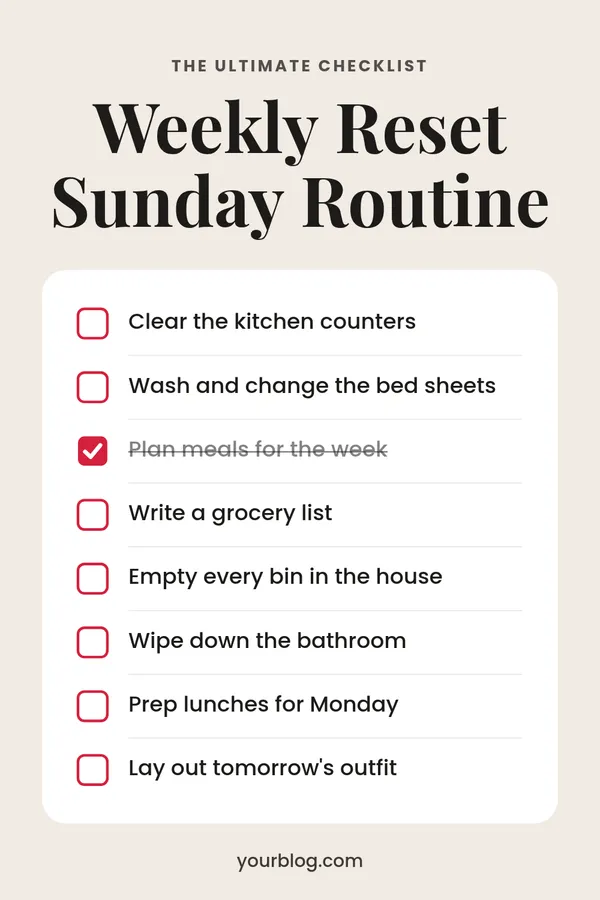
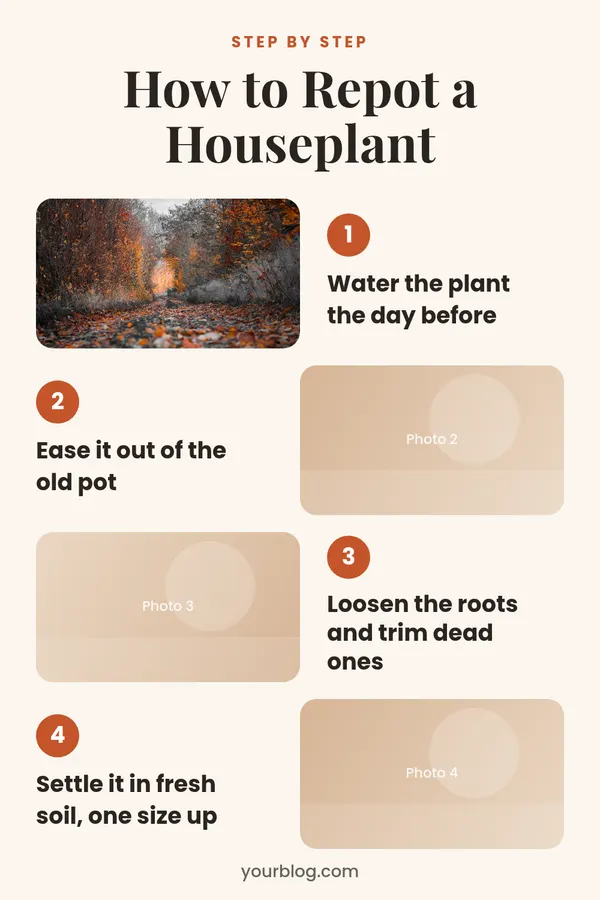
For a still pin of the same list, use the step by step pin maker or the checklist pin maker. To split a list post into several pins, use listicle to pin series.

Rate the Listicle Video Maker

Be the first to rate this tool.

Your rating

Ratings are counted straight away. Comments appear after a quick check. Please leave web addresses out.

What people say

    No comments yet.

    Listicle Video Maker FAQ

    How many items can the video have?

    Up to ten. With three seconds each, plus the title and closing cards, that is about 35 seconds.

    How long is the video?

    The title card is about 2 seconds, each item takes the time you choose and the closing card about 2.5 seconds. The length is shown under the preview.

    Does the video have sound?

    No. It is a silent MP4.

    What sizes can I make?

    9:16 for full screen, 2:3 for a standard pin, 4:5 and square.

    Which browsers does it work in?

    Recent Chrome, Edge and Safari can encode H.264 video themselves. If your browser cannot, the tool says so before it starts.

    More free tools

    See all 146 tools

    Browse all free Pinterest tools, including more pin makers. Need a full pin design? Use the free pin maker.