Flyer Maker

Make an event or sale flyer with a headline, details and a photo, in print and social sizes.

By Ian Miller · Founder, blogger and affiliate marketer · Last updated November 2026 · Our story

Leave empty to hide it.

Date, time, place, price. Four or five lines at most.

A website, a phone number or a call to action. Leave empty to hide it.

Style

Try a sample photo Click one and the tool uses it in your pin

More things you can do with your pin

Changes the shape of the picture above before you download it.

Makes five copies of your pin in different colors. Each one has its own download button, and you can also download all five in one ZIP.

Changes the colors of the pin above at random. Press it again for another look.

Saves the picture above as a PNG.

The tool remembers what you typed on this device. This clears it and starts again.

How to use the Flyer Maker

  1. 1

    Write the headline and details

    Type a short headline and the details, one per line: date and time, place, what to expect. Add a small line above the headline if it helps.

  2. 2

    Add a photo and a button line

    A photo is optional. The button line holds the one thing people should do next: visit a site, call a number, bring a friend.

  3. 3

    Pick a size and download

    Choose letter page, social post, story or pin, then a color style. Click Download PNG.

A flyer answers three questions fast: what is happening, when, and where. It gets pinned to a notice board, dropped in a group chat and posted to a local page, so it has to work as a printed sheet and as a picture on a phone.

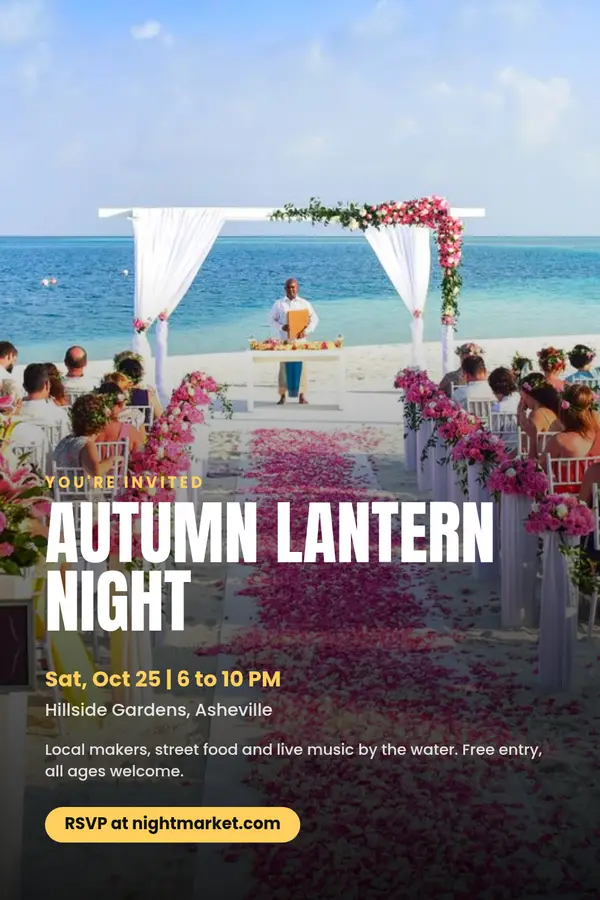
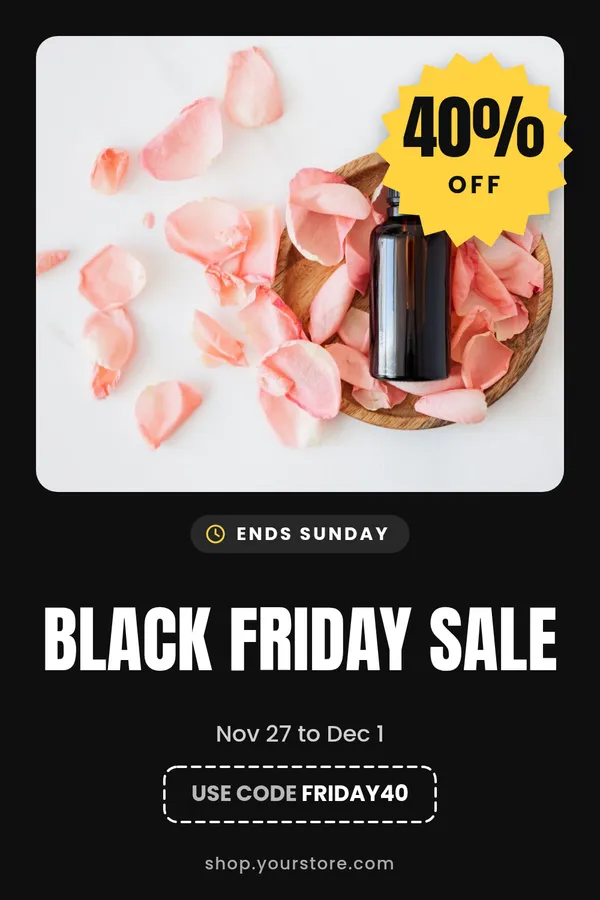
Type a headline, up to five lines of details and a button line such as a website or a phone number. Add a photo for the top, or leave the block of color. Choose a letter size page for printing, a 4:5 social post, a story or a 2:3 pin. The flyer is drawn in your browser; there is no account and no watermark.

What makes a flyer easy to read

Lead with the event, not the organiser. Keep the headline to five words or fewer, and put the date and place straight after it. People decide in a couple of seconds whether a flyer is for them.

Limit the details to what someone needs to show up: when, where, cost and one reason to come. Everything else can live on the page the button line points to.

Sizes for print and for sharing

The letter page is 1275 x 1650 pixels, which is 8.5 x 11 inches at 150 dots per inch, fine for a notice board or a shop window. For a sharper print, print it slightly smaller.

The 4:5 post suits Instagram and Facebook feeds, the story size fills a phone screen, and the 2:3 pin is the standard Pinterest shape. For a larger printed piece use the poster maker, and for a private event the invitation maker.
Rate the Flyer Maker

Be the first to rate this tool.

Your rating

Ratings are counted straight away. Comments appear after a quick check. Please leave web addresses out.

What people say

    No comments yet.

    Flyer Maker FAQ

    Is the flyer maker free?

    Yes. It is free, with no account and no watermark on the download.

    Can I print the flyer?

    Yes. Choose the letter page size, 8.5 x 11 inches, and print the downloaded PNG at home or at a print shop.

    Can I make a flyer without a photo?

    Yes. Without a photo the top of the flyer is a block of your accent color with two soft shapes.

    What kinds of flyers can I make?

    Yard sales, open houses, classes, church and school events, store sales, club nights and lost pet notices. Change the text and colors to suit.

    Is my photo uploaded?

    No. The flyer is drawn in your browser and your photo stays on your device.

    More free tools

    See all 146 tools

    Browse all free Pinterest tools, including more pin makers. Need a full pin design? Use the free pin maker.